It moves with you
Faster, slower, a pause between sentences. The line you are saying stays on the reading line, so you never chase the text or wait for it.
Orate's voice activated teleprompter listens as you read. Speed up, slow down, stop for a breath: the line you are saying stays under the lens. Go off script and it waits. Come back and it finds you. Say "go back" and it goes back.


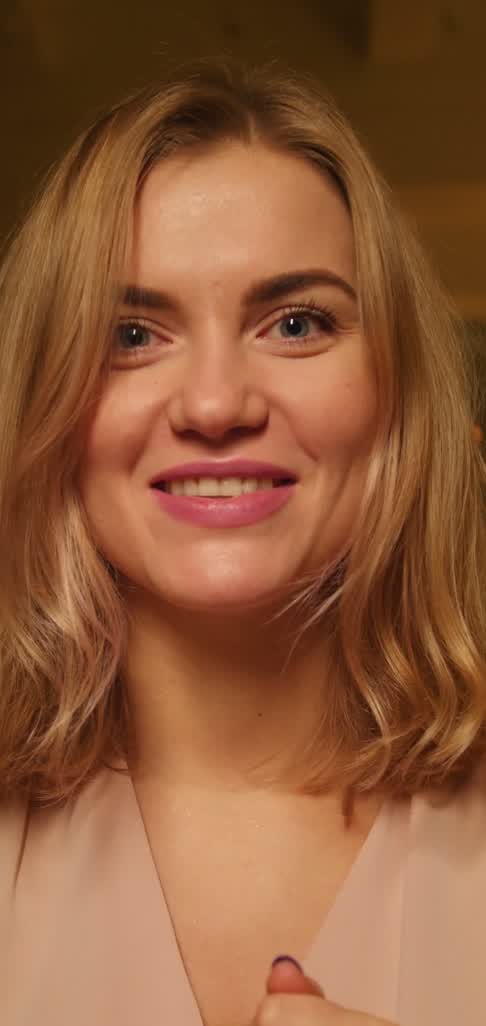
Hi, I'm Rosa. This week we shipped the thing we've been promising since January.
First, pricing. It's simpler now: one plan, and you can cancel any time.
Second, the editor. It opens twice as fast and remembers where you left off.
How it follows
Most voice scrolling breaks in the same two ways: it jumps ahead on a common word, or it stops and won't start again. Follow my voice matches a run of your words against the script near your place, never one word alone, so it moves when you read and holds when you don't.
Faster, slower, a pause between sentences. The line you are saying stays on the reading line, so you never chase the text or wait for it.
Ad-lib, cough, answer someone off camera. The text stops where you left it. It never drifts ahead and it never guesses.
Restart a sentence, or skip a few lines. It picks up from the words you are saying, not from wherever it stopped.
Hands-free
Move the script without touching the phone, mid-take. A command is never mistaken for a line of your script that happens to use the same words, and after one the script waits at the new place until you read on.
| Command | Say | What happens |
|---|---|---|
| Back a line | “Go back”, “Back a line”, “Previous line” | The script steps up one line. |
| Next line | “Next line”, “Go forward” | The script steps down one line. |
| Previous paragraph | “Previous paragraph” | Back to the start of the paragraph before. |
| Next paragraph | “Next paragraph”, “Skip ahead” | On to the start of the next paragraph. |
| Pause | “Pause”, “Hold on”, “Wait” | The script holds until you say resume. |
| Resume | “Resume”, “Continue”, “Keep going” | It carries on following you. |
| Start over | “Start over”, “From the top” | Back to the first line. |
Commands work in English, Español, Português, Français, Deutsch and Italiano. In every other language the script still follows you; only the commands are missing. "Stop" is deliberately not a command: said to a camera app, it means stop recording. Commands are said into the take's microphone, so they are in the recording too. Every phrase in every language.
While you record
A voice teleprompter that only works in rehearsal is half a tool. The hard part is the microphone: the recording and the listener both want it, and in many apps one of them loses.
The take and the prompter share one audio source. The same sound goes to the recording and to the recogniser, so neither has to win. Checked on an iPhone with a 4K take: the script followed the read and the recording kept its sound from start to finish.
The camera opens the microphone for the recording and the listener joins it, which Android 10 and later allow. Some phones may still silence the listener during a take. If that happens, Orate notices within about eight seconds and carries on at a fixed speed from where you are, rather than stopping. How it works on Android.
Recognition runs on the phone itself, with Apple's and Google's on-device speech models. There is no Orate server to send your voice to, and no account to tie it to.
The first time you use a language, your phone downloads its speech model, with progress shown. After that it works in airplane mode.
Where your voice goes
Where it works
The prompter and recording are free without Pro, at a speed you set.
It follows any language your phone can recognise on device, which on most phones covers far more than English. Before anything is bought, the recorder checks your script's language: if your phone can't follow it, the option says so, and the script scrolls at a fixed speed as it always has.
Spoken commands: English, Español, Português, Français, Deutsch and Italiano.
Questions people ask
A teleprompter that scrolls by listening to you instead of at a fixed speed. It recognises the words you say, finds them in your script and keeps that line in front of you, so the text moves at your pace.
No. When what you say is not the script, the text stops where it is. It never drifts ahead and never guesses. Silence holds it too.
It picks up from the words you are saying. A short skip forward needs two words in a row from the new place; going back, or a long jump, needs three, so a common word alone never moves it.
Yes, that is what it was built for. On iPhone the recording and the prompter share one microphone. On Android the listener shares the camera's microphone where the phone allows it, and if a phone silences it during a take, Orate notices and carries on at a fixed speed instead of stopping.
Yes, once your phone has the speech model for your script's language, which it downloads the first time you use that language.
No. Recognition runs on the phone with its built-in on-device speech model. Orate has no server to send it to.
Any language your phone recognises on device. Spoken commands work in English, Spanish, Portuguese, French, German and Italian. If your phone can't follow your script's language, the recorder tells you before you pay.
It uses your phone's own speech recognition, so it does as well as your phone does. When it can't match what it hears to the script, it holds rather than jumping, which is the failure that costs you a take. A quieter room and the phone closer to you help.
It is part of Orate Pro and included in the free trial. The teleprompter and recording are free without it, at a speed you set.
Read more
Try it
Install Orate, open a script and choose Follow my voice under Speed. It is in Orate Pro, and the free trial includes it.